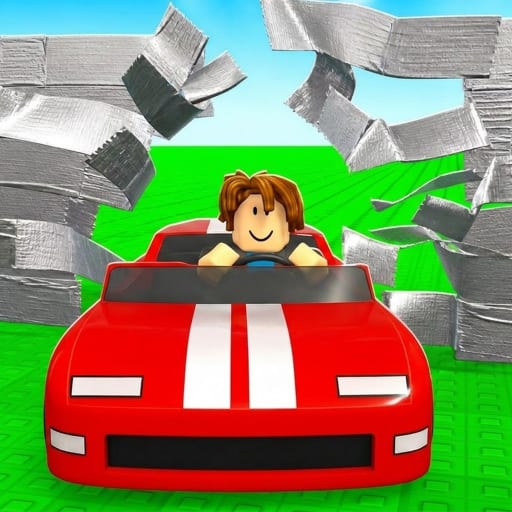
Cars VS Tape Controls Guide
Master movement, menus, and train-to-smash inputs on PC and mobile.
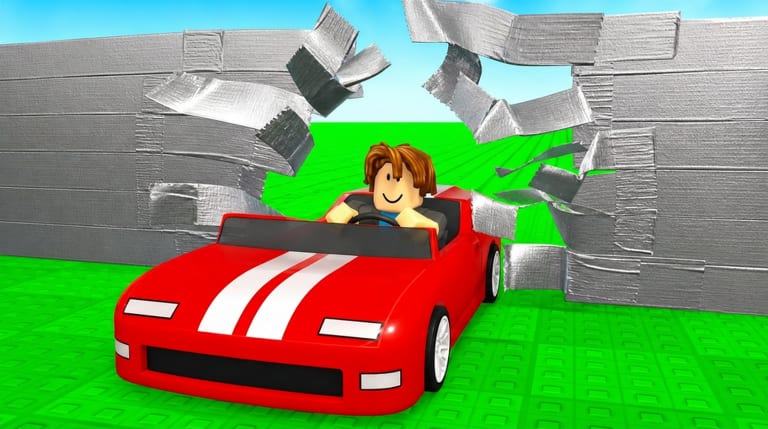
Clean controls turn Cars VS Tape from chaotic bumping into a repeatable Roblox smash routine. You will move between training treadmill/stations, line up for the tape wall, open shops for cars/trails/trainers/pets, and eventually confirm rebirths. This page focuses on practical input habits rather than a single fixed keybind sheet — Roblox experiences can remap prompts after updates, and PC versus mobile layouts differ.
Core actions you must be able to do cold
- Move to training stations without getting lost
- Start and finish a training cycle confidently
- Aim your launch toward the tape wall
- Collect rewards after a smash
- Open Shop / Codes / Rebirth UI without hunting for thirty seconds
- Equip a newly bought car or trail
If any of those feel slow, practice them in a low-stakes minute before a long grind. Pair this page with Getting Started for loop context.
PC habits
On keyboard and mouse, keep your camera readable. A camera jammed into the floor makes wall alignment harder and hides station markers. Use standard Roblox movement (WASD / arrows) and jump only when the environment requires it — random jumping on the approach often ruins a straight smash line. When a GUI opens, fully close it before the next run so click-through does not eat a launch.
Click shop categories deliberately: Cars, Trails, Trainers, Pets/Eggs. Misclicks into the wrong tab are a common coin waste. If you redeem rewards, follow How to Redeem Codes so the Codes field is not confused with chat.
Mobile habits
On touch, thumb placement matters. Keep the movement stick steady while you eye the wall. Open menus with intentional taps; shop lists are long, and accidental purchases hurt. After buying a car, confirm it is equipped before you train again — mobile UI sometimes leaves you on an old vehicle visually until you re-select.
If Auto Rebirth or other passes are owned, still learn where the manual rebirth button lives so you can verify multipliers. See How to Rebirth.
Training station control tips
| Tip | Why it helps |
|---|---|
| Approach stations on a straight path | Less time correcting before train starts |
| Watch for completion feedback | Prevents double-starting or leaving early |
| Leave as soon as target speed is reached | Over-training past your plan wastes the minute |
| Re-center camera before the wall | Straight smashes clear more layers |
Wall approach control tips
Commit to a line. Swerving late rarely adds layers and often subtracts them. After impact and reward collect, decide immediately: another train cycle, or a shop visit. Indecision is a hidden control problem — your inputs are fine, but your sequence is not. How to Progress Faster expands on timing.
Menu and quality-of-life checklist
- Find Shop, Codes, and Rebirth entries once; remember their icons.
- Keep Active Codes nearby when a drop is rumored.
- After any update, re-locate buttons via Patch Notes if UI moved.
- Disable distracting overlapping windows before a record attempt.
- On shared devices, confirm you are on the correct Roblox account before buying or rebirthing.
Accessibility and comfort
Lower graphic settings if frame drops ruin timing. Stable FPS helps more than max decorations when you are judging smash release. Headphones can help you hear reward cues, but they are optional. Take breaks — repetitive train/smash inputs are easier when your hands are fresh.
Related pages
Controls mastery is quiet power. In Cars VS Tape, the players who look “lucky” on the tape wall are often just faster at training, aligning, collecting, and returning to the station without menu friction.
Frequently Asked Questions
Quick answers for Cars VS Tape progression questions.
Are controls different on mobile and PC?
The actions are the same, but touch sticks and tap menus feel different. Practice shop and train flows on your device.
Why do I keep missing the wall line?
Reset your camera before launch and commit to a straight approach after training. Late swerves usually reduce layers.
Where is the Codes UI?
Look for a Codes button or a Codes tab inside Shop. See How to Redeem Codes for full steps.
Do I need a controller?
No. Keyboard/mouse or touch is enough for Cars VS Tape on Roblox.
What should I practice first?
Train → smash → collect without opening extra menus. Add shop speed once the loop is stable.